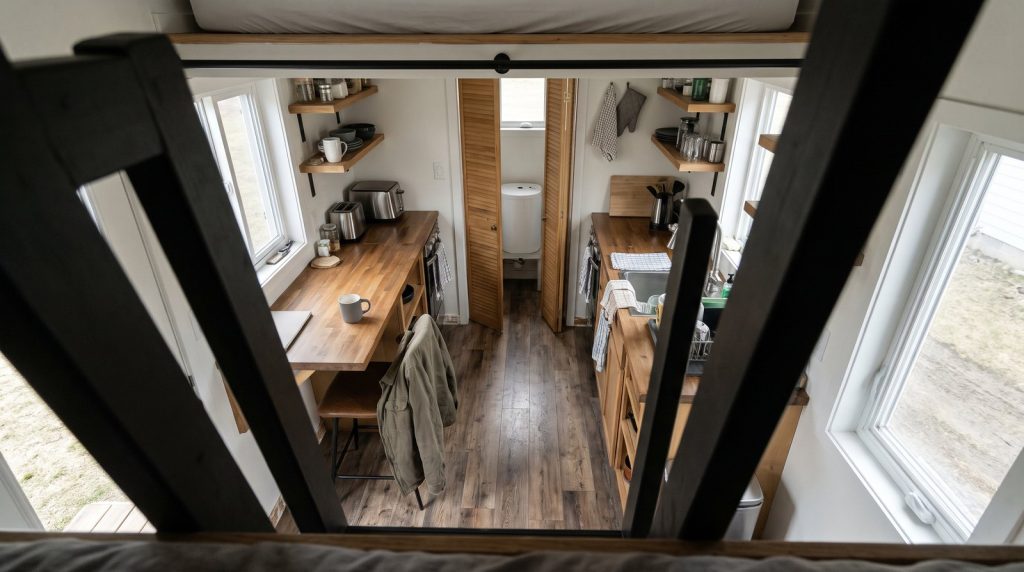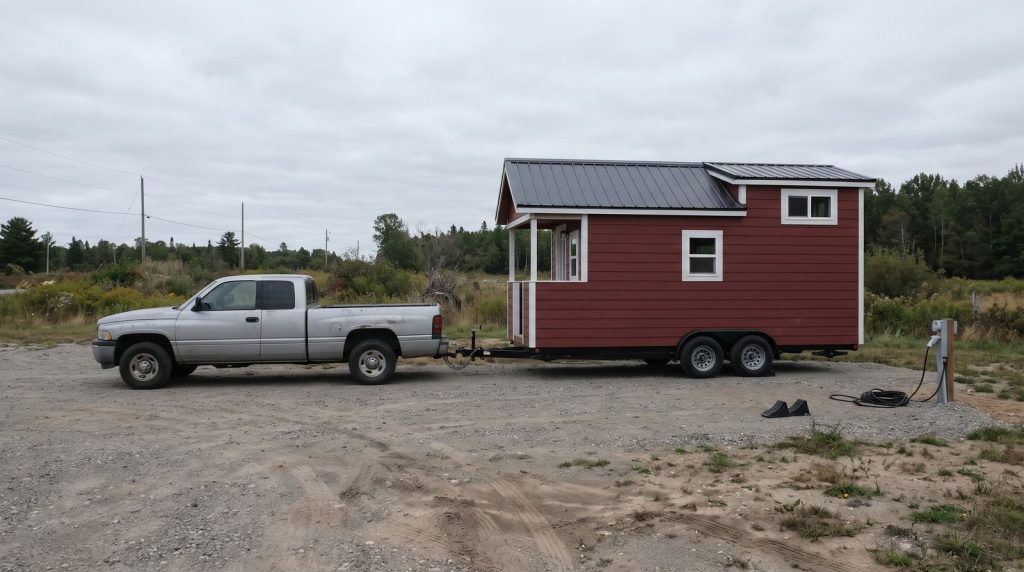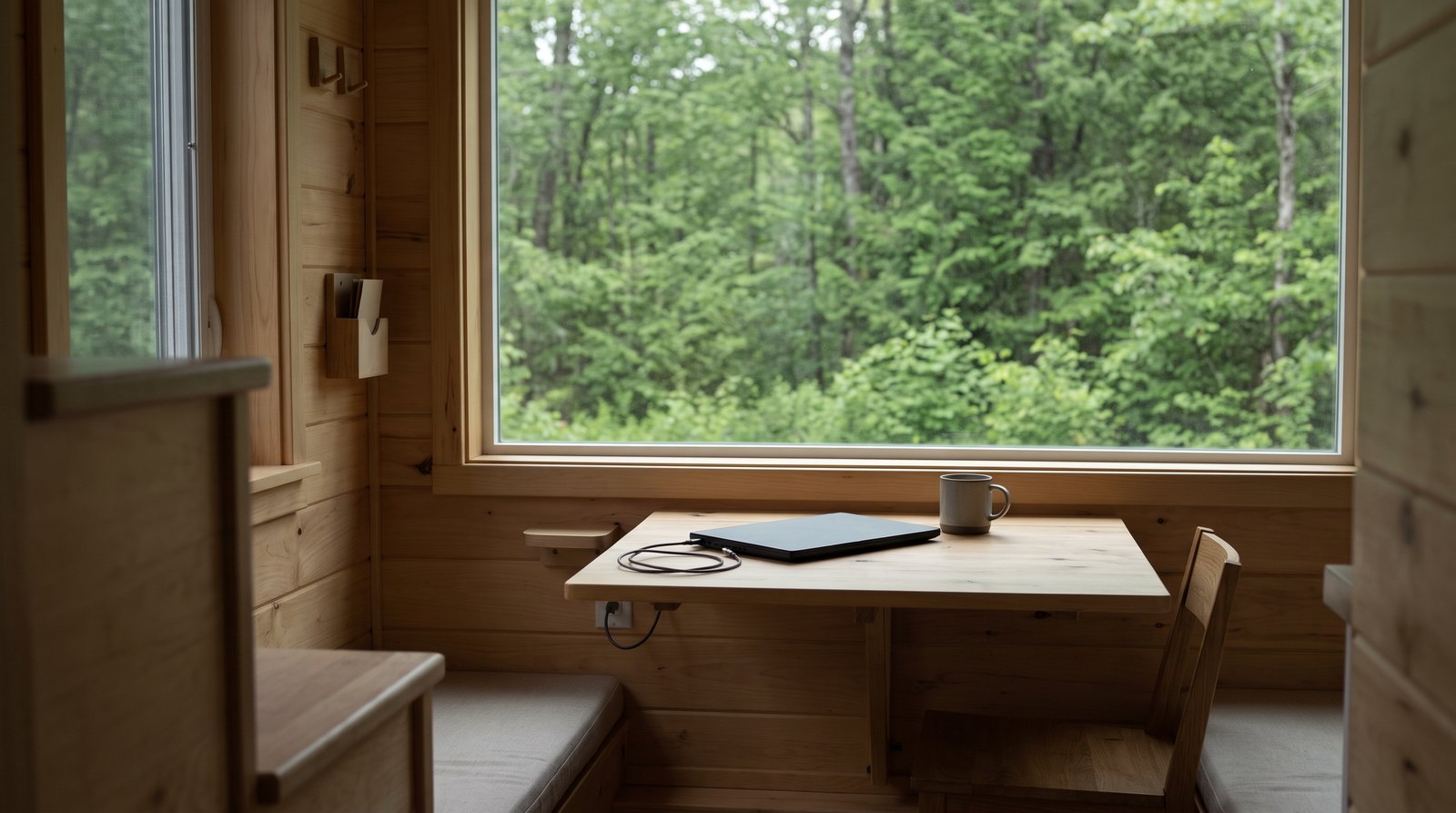
Working from home in a tiny house is practical when you have a stable desk, dependable internet, enough power, and an agreed quiet schedule. Start with your actual workday, especially video calls and shared space. A fold-down surface saves room, but reliable connectivity and a comfortable chair usually matter more than clever furniture.
Table of Contents
Choose a desk that fits a full workday
The best tiny house office lets you sit comfortably without blocking the kitchen, bathroom, or exit. Choose the chair and equipment first, then size the work surface around them. A folding desk works well for occasional use; a dedicated desk becomes more valuable when your job keeps you seated for hours.
Mock up the footprint with cardboard before ordering anything. Pull the chair back, open the refrigerator, and walk past while someone occupies the seat. Measure the desk both open and closed. Include the space taken by power plugs, monitor cables, and the laptop stand, rather than measuring only the tabletop.
For screen placement, OSHA generally recommends a viewing distance of 20 to 40 inches. That is eye-to-screen distance, not a universal desk-depth requirement. Position the screen directly ahead and adjust it to avoid glare. A shallow shelf can become awkward once a separate keyboard and mouse occupy the front edge.
Follow OSHA’s workstation positioning guidance: support your feet on the floor or a footrest, keep your shoulders relaxed, and avoid reaching forward for the keyboard. An adjustable chair may deserve more space than a second storage basket. Change position and take short movement breaks during the day.
For a fold-down desk, follow the hardware manufacturer’s load and mounting instructions. Ask the builder where suitable backing exists before drilling. Allow cable slack for the hinge and a secure travel latch on a house on wheels. Remove loose equipment before towing. A table that holds a laptop while parked is not automatically a safe travel shelf.
Choose internet for the address and your calls
Choose internet by testing the exact parking spot and the applications you use, rather than trusting a coverage map alone. Check wired service first for a stationary house, then compare cellular and satellite options. If missed calls threaten your income, keep a tested backup connection that does not depend on the same primary service.
Ask the property owner whether an existing connection can serve your house and whether the arrangement permits business use. A strong signal at the main home does not establish reliable Wi-Fi inside a detached tiny house. Test at your desk with doors closed. A properly installed wired connection or outdoor network link may be worth discussing with an installer.
For cellular service, try a normal work call at several times of day. Check upload performance while another household member streams or downloads. Confirm hotspot allowances, reduced-speed thresholds, equipment requirements, and whether the plan allows use at changing locations. A phone’s unlimited data allowance does not necessarily mean unlimited high-speed tethering.
T-Mobile tells Home Internet customers to confirm eligibility before changing their service address. Similarly, Starlink distinguishes Residential service from roaming use. Check the current plan for your actual address and travel pattern before buying hardware. Portable equipment and permission to use it anywhere are separate questions.
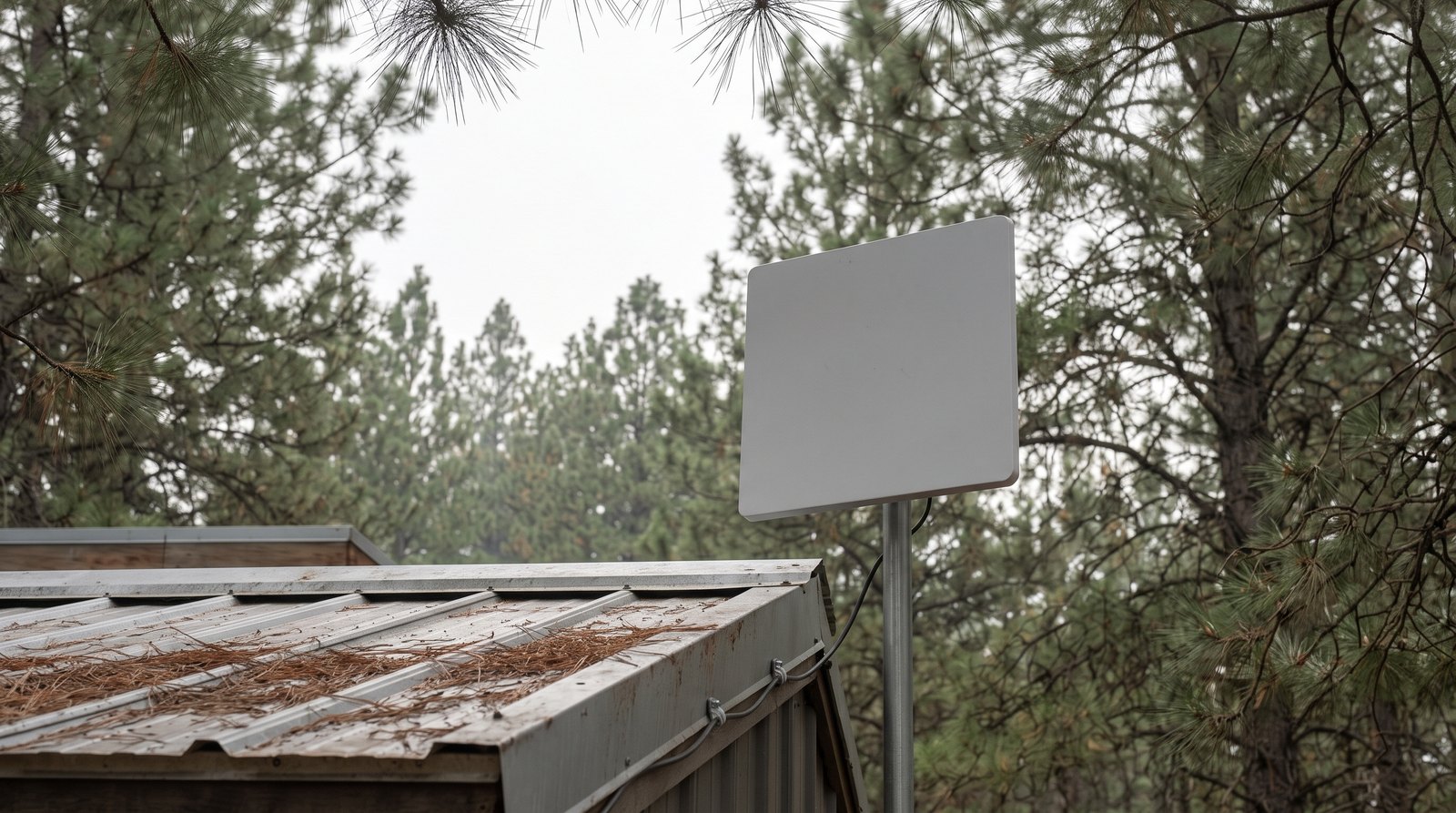
Satellite service needs a suitable installation location. Starlink warns that branches, roofs, and other obstructions can interrupt service. Assess the sky view before committing to a wooded lot. Use the provider’s obstruction check at the proposed mounting location and follow the installation guidance for your particular equipment.
Bandwidth requirements are only a starting point. Zoom lists 2.6 Mbps upload and 1.8 Mbps download for 720p group video in its Web App. That does not cover your entire household’s simultaneous use. Test screen sharing, your employer’s VPN, and a real meeting, then leave capacity for other traffic.
Budget electricity for the whole office
A tiny house office needs an energy budget that includes the computer, display, internet hardware, and charging losses. Measure ordinary workday consumption where possible. For an off-grid house, keep that office demand separate from heating, cooling, and cooking so you can see how much battery capacity remains available for reliable work.
Use watts for the rate of consumption and watt-hours for energy over time. As an illustrative calculation, a laptop averaging 45 watts, a 25-watt monitor, and 10 watts of networking equipment total 80 watts. Eight hours would consume 640 watt-hours before conversion losses. These are example inputs, not typical ratings promised for your equipment.
Satellite terminals can change the result substantially. Starlink’s current Mini power guidance lists average consumption of 20 to 40 watts. Check the exact hardware revision and power supply you will buy. Do not apply one terminal’s specification to every product bearing the same service name.
If your office measures 100 watts in total, eight hours requires 800 watt-hours before losses. A battery’s advertised capacity is not automatically all available at the outlet. Account for its usable range, inverter losses, reserve, other household loads, and the charging conditions expected during a cloudy workweek.
For short outages, identify everything that must remain powered, including the modem or terminal, router, and computer. Test the backup under an actual call. A charged laptop alone does not keep internet equipment running. Use compatible, rated equipment and have new permanent circuits designed and installed appropriately rather than building an office around chained power strips.
Make shared space and calls workable
Two people can work in a tiny house if their noise, privacy, and scheduling needs fit the layout. Agree on quiet periods before buying acoustic accessories. A headset helps with listening and microphone pickup, but it does not prevent your speaking voice from reaching a partner a few feet away.
Map the activities that overlap: calls, cooking, laundry, exercise, and rest. Put fixed meetings on a shared calendar. Decide where the second person can go during a confidential conversation, and who gets the desk when both need it. An outdoor chair is useful in mild weather but is not an all-season office plan.
Soft furnishings can reduce a room’s echo, while a curtain offers visual separation. Neither creates a soundproof room. Test a recording with the kitchen fan and usual household activity running. Move the microphone closer and adjust its settings before adding bulky panels. Keep ventilation openings and required exits clear.
Place your camera so the background does not show the bathroom, someone else’s sleeping area, or private paperwork. A plain wall often works well. Try the camera at different daylight levels before mounting anything permanently. Keep documents and work devices in a dedicated storage space when the desk returns to household use.
Quick answer by situation:
- One person, mostly writing: A compact desk and a tested primary connection may cover the day.
- One person, frequent calls: Prioritize a quiet seat, stable upload performance, and backup internet.
- Two people with overlapping meetings: Plan separate call locations before committing to an open layout.
- Frequent travel: Check service-plan mobility rules and schedule moves outside critical work periods.
- Off-grid work: Measure office demand and test a cloudy-day power plan.
Decide whether a separate office is worth it
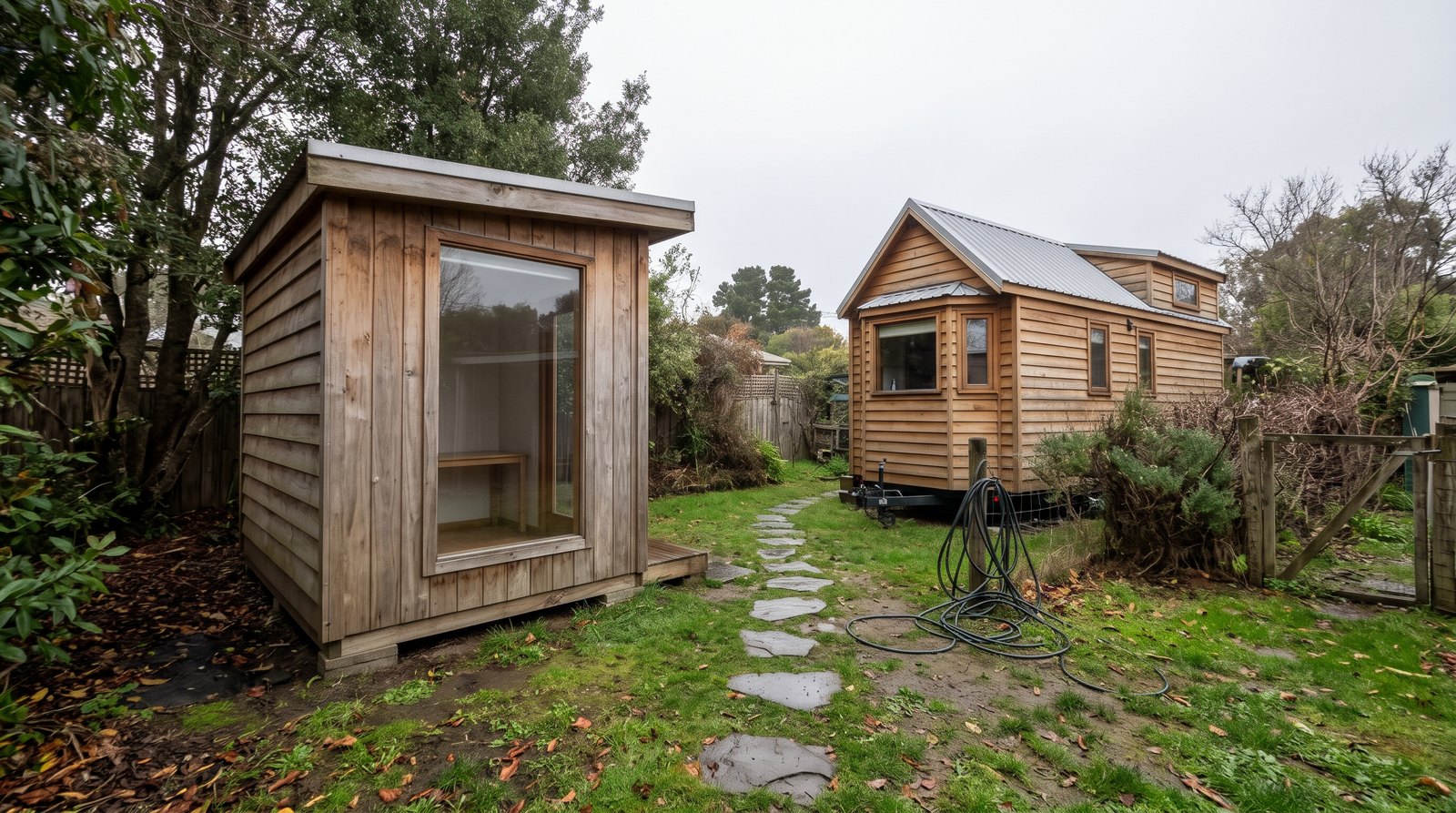
A detached backyard office is most useful when privacy or competing work schedules are the problem. It adds physical separation, but also introduces another building to heat, maintain, connect, and secure. Compare the complete installed cost with occasional coworking or a different interior layout before purchasing a shed shell.
Ask your city or county how the proposed office use is treated, and confirm the property owner’s permission. Discuss permits, placement, electrical work, and any applicable access requirements with the relevant local department. A structure marketed as a shed is not proof that its intended office use is allowed or that it is ready for year-round occupancy.
Price the foundation or base, delivery access, insulation, ventilation, conditioning, electrical connection, and internet installation. Walk the route in rain and after dark. Include a reliable lock and a place to leave wet shoes. A separate room loses much of its value if it becomes too uncomfortable to use during your busiest season.
Keep maintenance in the decision. Roof penetrations, window seals, and drainage need attention on the office as well as the home. Our guide to how long tiny houses last explains why construction and upkeep matter. If frequent moves are central to your plan, also compare a tiny house with an RV for full-time living before adding a second structure.
Run a trial before spending on the final setup
The most useful office test is a normal workweek in the intended space, with ordinary meals, household noise, and weather. Start with equipment you already own. Record what interrupts work, then spend on the repeated problem first. A faster connection will not fix a desk that blocks the only walkway.
Make separate lists for one-time purchases and recurring costs. The first includes furniture, mounting hardware, networking equipment, and any installation work. The second includes service subscriptions, backup connectivity, additional electricity, and occasional outside workspace. Request current quotes with taxes and equipment charges included instead of treating an introductory offer as the long-term budget.
During the trial, log dropped calls, slow uploads, setup time, uncomfortable seating, and interruptions to other people. Test switching to backup internet before an important meeting. Follow your employer’s security and location policies, including any restrictions on public networks or working from a different state. Keep the fallback plan accessible without needing the failed connection.
At the end of the week, decide what must remain permanently available. A desk that takes several minutes to clear at every meal can create more daily friction than its saved floor space suggests. Keep the setup simple enough that ending the workday actually returns the tiny house to living space.
Frequently asked questions
Most tiny house office decisions come down to work patterns rather than square footage alone. The answers below address common starting points, but your employer’s requirements, actual connection tests, equipment measurements, and local property conditions should decide the final setup. Recheck those assumptions whenever you move the house or change jobs.
Can two people work remotely in one tiny house?
Yes, if their schedules and privacy needs are compatible. Two quiet computer users are easier to accommodate than two people taking calls all day. Test simultaneous meetings, agree on quiet periods, and arrange a second usable call location. A curtain can hide the background, but it will not isolate speech.
Is a fold-down desk suitable for full-time work?
It can be, provided the surface, mounting, chair, and screen position suit the user. Check the manufacturer’s load limit and the wall construction. Leave enough room for a keyboard and mouse, and test knee clearance. If folding it requires dismantling your entire setup daily, a permanent desk may be more practical.
Is satellite internet the best choice for a tiny house?
Satellite can be useful where wired or cellular service is inadequate, but it is not automatically the best option. Check the sky view, actual call performance, power demand, and current plan terms. A stationary home with reliable wired service may have a simpler solution. Keep a tested alternative for important work.
How much solar power does a tiny house office need?
Start with measured daily energy use, not a fixed panel recommendation. Multiply each device’s average watts by its operating hours, then allow for losses and reserve. Panel output depends on location, season, shade, and weather. Size the battery and charging system around the full household load and acceptable outage tolerance.
Should you build a separate backyard office?
Consider one when privacy and overlapping calls remain difficult after a real trial indoors. Compare the full installed and operating cost with coworking or a layout change. Verify local requirements and property permission first. Include insulation, ventilation, power, internet, security, and a usable path in the budget, rather than pricing only the shell.